ixBrowser: Best Linken Sphere Alternativesin 2025
In the realm of professional tools, two distinct philosophies often exist: one pursues ultimate technical depth and control, akin to a precise scientific instrument; the other strives to translate professional capability into stable, efficient daily productivity. In the world of anti-detect browsers, Linken Sphere and ixBrowser are exemplary representatives of these two philosophies. The former builds a highly customizable environment based on profound technical heritage, satisfying complex scenarios with absolute demands for control.However, when we shift our focus to the broader needs of commercial operations, we find that sustainable success relies not only on a tool's "performance ceiling" but perhaps more critically on its "efficiency baseline." Factors such as a tool's long-term stability, its ease of adoption and collaboration for entire teams, and its reasonable total cost of ownership collectively determine whether it can serve as a reliable foundation for business. Thus, comparing the two is essentially an examination of how "professional depth" versus "scalable efficiency" can best serve growth objectives.
For users seeking a tool upgrade, understanding this core distinction is crucial. It signifies a shift in thinking from "what features can I have" to the practice of "how can my team utilize these features most effectively." This is precisely the value, at this current stage, of reassessing choices and searching for a better solution.
What is Linken Sphere?
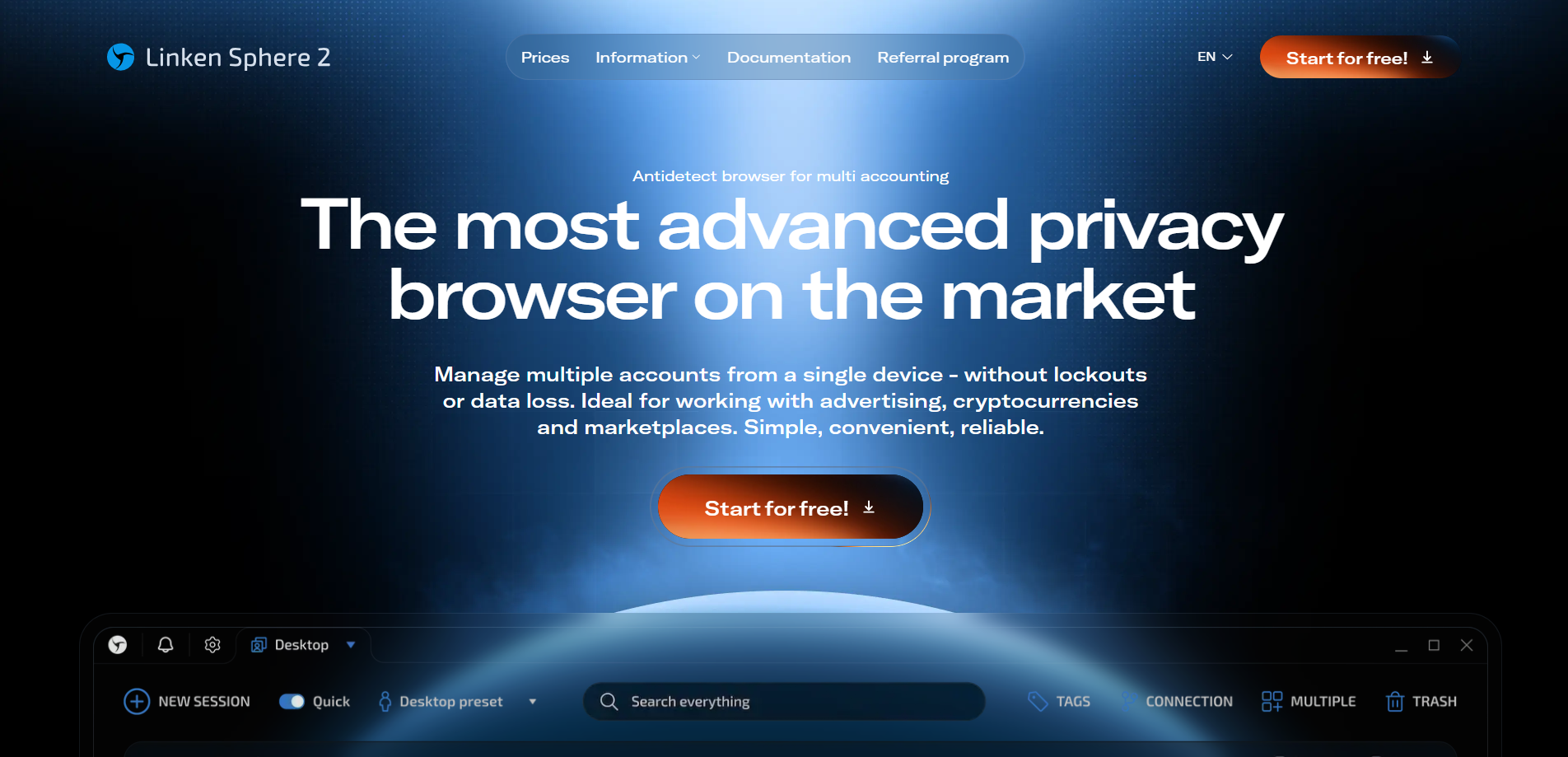
Linken Sphere Anti-Detect Browser is a professional browser centered on high security and privacy protection, designed for users who need to manage multiple independent online identities. Its core principle is to prevent account association by creating completely isolated browser environments—each with its own cookies, cache, sessions, and digital fingerprints—thereby effectively evading platform detection and mass bans. It is widely used in professional scenarios requiring high anonymity, such as cross-border e-commerce, advertising operations, cryptocurrency trading, and market data analysis.
Since its launch in 2017, the browser has positioned itself as a setter of industry standards, integrating core technologies like WebRTC masking, mobile device emulation, and intelligent automation. Beyond robust profile isolation, it also emphasizes convenient and secure team collaboration, offering flexible cloud or local synchronization settings and granular permission management. Notably, Linken Sphere is so confident in its technical superiority that it provides users with a free trial that has no time limit.
Advantages of Linken Sphere
Deep Technical Heritage & High Integration
Linken Sphere positions itself as a pioneer that set industry standards as early as 2017, pioneering core technologies such as WebRTC masking and mobile device emulation. This deep heritage makes it not merely a tool, but a highly integrated workspace combining account isolation, team collaboration, automation, and batch operations, suitable for complex professional scenarios.
Emphasis on Data Sovereignty & Local Security
It explicitly emphasizes being "the only modern solution offering local data storage" with full encryption for disk, transmission, and server data. This is a compelling core selling point for users who prioritize data privacy and security above all else, such as cryptocurrency traders and high-value account managers.
Professional Design for Teamwork & Automation
Its team features support a complete workflow from permission management to flexible synchronization (cloud/local). It also offers automation solutions from browser warm-up and batch creation to integration with external scripts/CRMs, designed to meet the scaled, automated operational needs of teams like digital marketing agencies and e-commerce businesses.
Disadvantages of Linken Sphere
Potentially Slower Update Iteration
As a mature product that claims to be the "industry benchmark," its technical framework and development focus may prioritize stability over rapid iteration. When facing the ever-evolving detection algorithms of platforms like Google and Meta, the speed and agility of its anti-detection rule and fingerprint database updates may lag behind more active and lightweight competitors.
Fingerprint Spoofing Faces Market Challenges
Despite its claim of "unparalleled" technology, the anti-detect field is fiercely competitive. Latecomers like ixBrowser、Kameleo invest heavily in combating cutting-edge detection. Feedback from some professional user communities suggests that when facing the latest detection from the most stringent platforms (e.g., top-tier ad networks), the uniqueness and naturalness of its fingerprints may not always hold an absolute lead.
Higher Pricing with a Notable Entry Barrier
Inferred from its business model of offering a "free trial without time limits" but strictly limiting the number of "sessions" (simultaneously usable profiles) in paid plans, its formal licensing is likely priced significantly higher than many mainstream competitors. This pricing strategy primarily targets well-funded enterprises and professional users, posing a higher cost barrier for individuals or small teams.
What is ixBrowser?
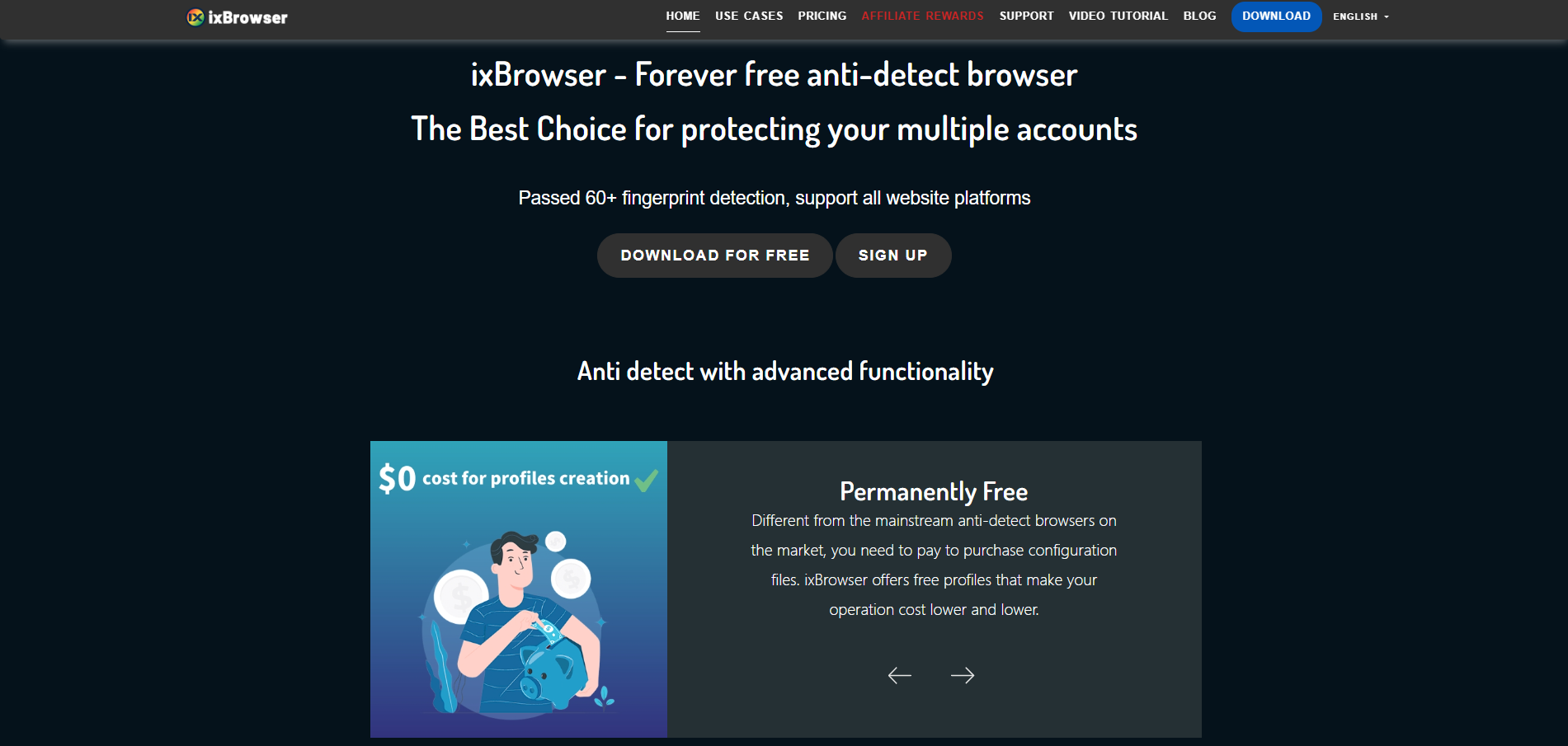
ixBrowser is a comprehensive anti-detect browser specifically designed for managing multiple online accounts securely and efficiently. It enables users to create isolated browser environments, each with a unique and consistent digital fingerprint. This technology is crucial for professionals in digital marketing, e-commerce, and social media management to operate multiple accounts without triggering security flags or bans from platforms.
The platform stands out with its user-friendly interface, making sophisticated fingerprint spoofing accessible even to less technical users. Beyond core profile management, ixBrowser supports advanced features like team collaboration with detailed permission controls, seamless proxy integration, and automation through browser automation studios. It provides a robust solution for tasks ranging from affiliate marketing and ad verification to large-scale data scraping.
Why is ixBrowser the best alternative to Linken Sphere?
When choosing an anti-detect browser, experienced users often weigh “technical legacy” against “modern efficiency.” Linken Sphere attracts professionals seeking ultimate control with its deep industry heritage and localized security philosophy. However, its potentially high cost, relatively fixed architecture, and steep learning curve for new users have led many pragmatic teams focused on ROI to seek more balanced solutions. In this context, ixBrowser, with its modern engineering approach and user-centric design, presents a highly attractive alternative.
Unbeatable Cost-Effectiveness & Transparent Pricing
While Linken Sphere is positioned as a premium, “industry benchmark” product with pricing to match, ixBrowser offers a more accessible and transparent pricing model. It delivers comparable or even superior core functionalities (like team collaboration and batch management) at a fraction of the cost, making professional-grade anti-detection capabilities affordable and significantly lowering the financial barrier to entry.
Modern User Experience & Low Learning Curve
While powerful, Linken Sphere’s interface can be complex and geared toward technical users. ixBrowser is renowned for its clean, intuitive, and logically structured modern interface, which drastically reduces the learning curve. Even non-technical operations or marketing personnel can quickly create and manage numerous profiles, focusing on business tasks rather than tool configuration.
Agile Updates & Continuous Fingerprint Optimization
Anti-detection is an ongoing battle. While Linken Sphere, as a mature product, may prioritize stable update cycles, ixBrowser typically demonstrates faster iteration, quickly responding to the latest detection algorithms of major platforms (e.g., Google, Facebook, TikTok) and continuously optimizing its fingerprint database. This provides more proactive and timely protection for user accounts.
Flexible and Efficient Team Collaboration
Both offer team features, but with different philosophies. Linken Sphere’s collaboration emphasizes strict permission control and data isolation. While ensuring permission management, ixBrowser typically focuses more on collaboration fluency and efficiency. Its team system is designed for quick deployment, easy member onboarding, and task assignment, making it especially suitable for growing teams that need to scale and adapt rapidly.
Broader Environmental Compatibility & Accessibility
Linken Sphere explicitly targets Windows and MacOS desktop environments. ixBrowser is typically designed with broader usage scenarios in mind, often offering better compatibility across various operating systems and environments. Additionally, its cloud synchronization and access model may provide a more flexible multi-device working experience.
Conclusion
In summary, Linken Sphere resembles a fully-featured professional workstation, suitable for well-funded, veteran technical teams with specific high-security needs. ixBrowser, however, is like an efficient, user-friendly, and cost-controllable modern productivity suite. It successfully “democratizes” the core capabilities of professional anti-detection, making it a smarter, more sustainable choice for the vast majority of e-commerce operators, social media marketing teams, and growing businesses looking to switch from Linken Sphere or enter the field. It finds an excellent balance among cost, usability, maintenance agility, and team compatibility.


